
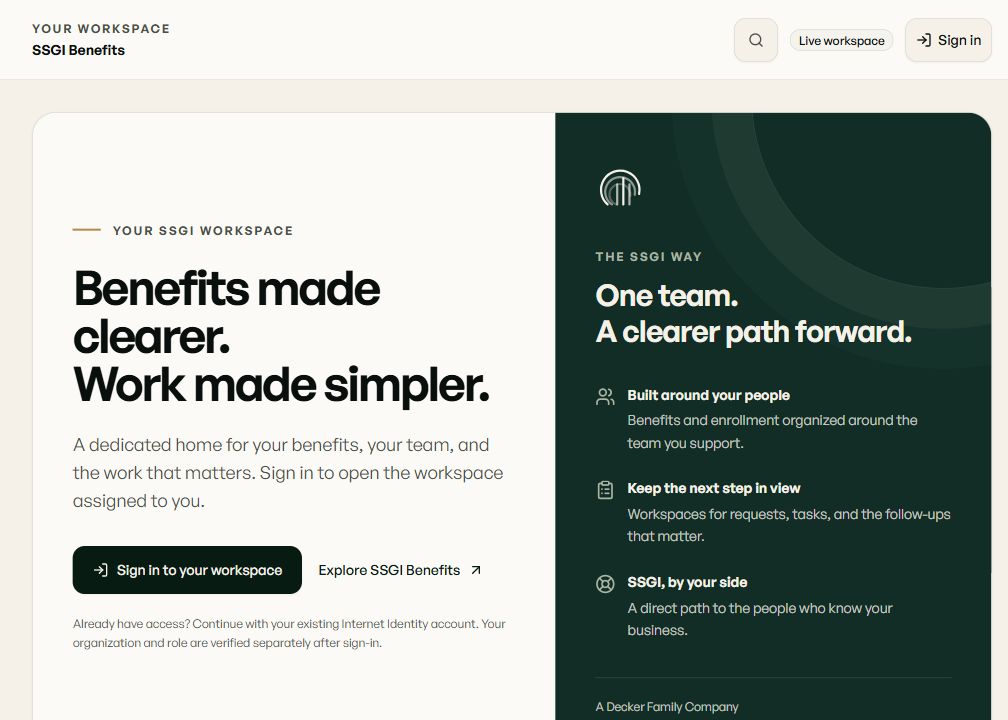
Your benefits service starts in the app.
Open SSGI One for the benefits and policies your SSGI team helps manage. Use the access arranged for you.
Access arranged by SSGI
SSGI One
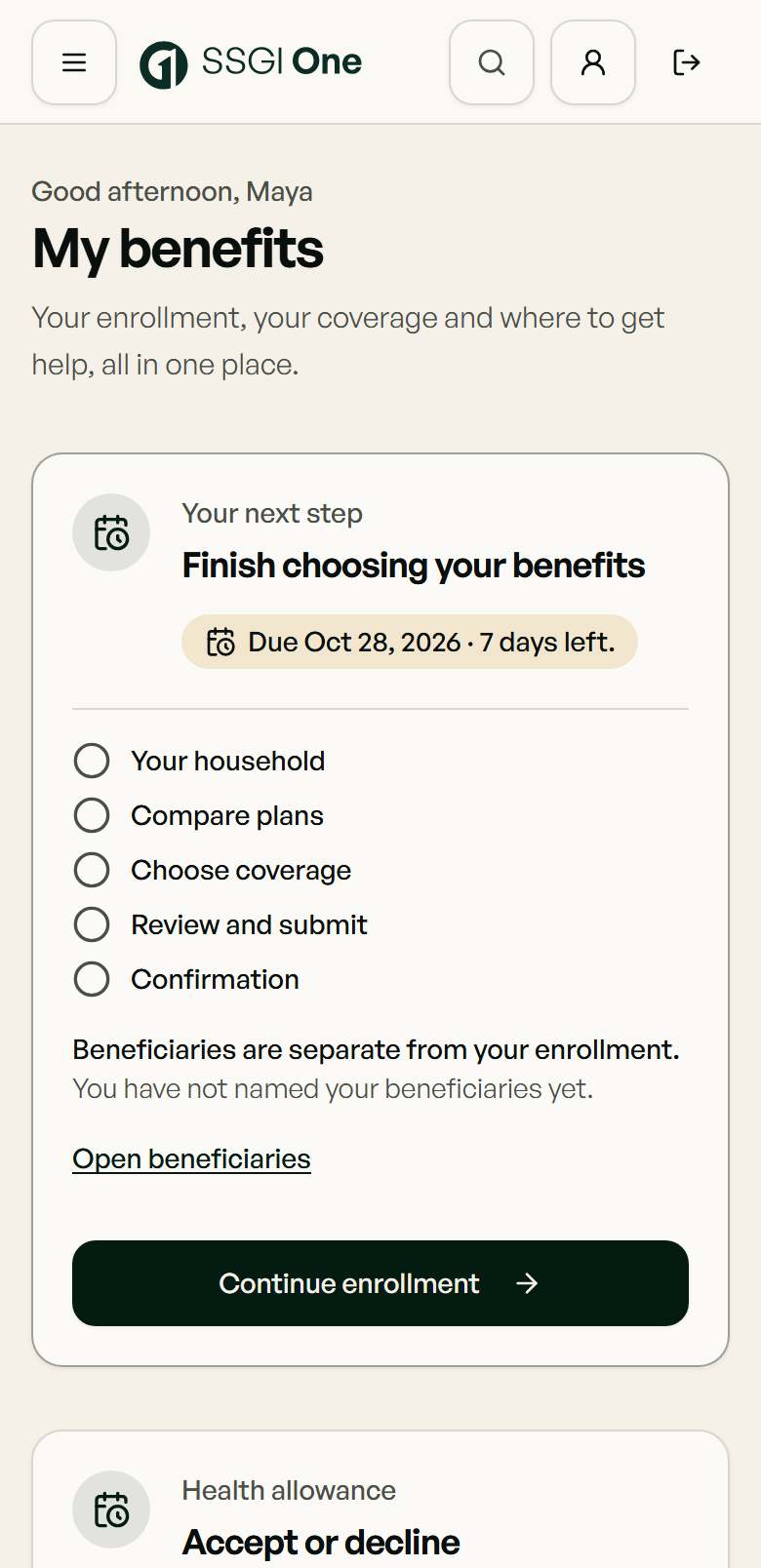
A dedicated place for your benefits, requests and next steps—with our team alongside you.
Employer-plan members use their assigned enrollment and service workspace. Invited individual policyholders use Your policies with SSGI for view-only records and help requests. BenefitZone remains only for clients assigned to that legacy portal.

Your policies with SSGI
Have your own Medicare, individual health or life policy through SSGI? Start with the invitation link from our team. Access is by invitation; there is no self-signup.
- Open your SSGI invitation.
- Sign in with Microsoft, Apple, Google or a passkey, then connect that sign-in to your SSGI record.
- Return to SSGI One to view your policies or ask our team for help.
What you can do
- View your agency's policy records: carrier, plan, status, policy number and key dates. These records are view only.
- Ask questions, read SSGI's answers and reply when our team asks. Requests are visible only to you and your agency's staff.
- See document names on file and send documents with a request. Contact SSGI client service for a copy of a document.
Policy enrollment, renewal, changes and payments are handled outside this page. Document downloads and ID cards are not available in this app view. Please do not include policy numbers or health details in an ordinary email; ask SSGI for a secure option.
Your benefits portal, on your phone.
Open SSGI One at SSGIone.com in your phone’s browser, or add it to your Home Screen for a familiar place to return. Sign in to see your benefits and contact the SSGI team.
iPhone · Safari
Open the portal in Safari. Use Share, choose Add to Home Screen, turn on Open as Web App if offered, then tap Add.
Apple’s Home Screen guide (opens in a new tab)Android · Chrome
Open the portal in Chrome. In the More menu, choose Install and create shortcut, then Create shortcut and Add. Menu labels can vary by browser version.
Google’s shortcut guide (opens in a new tab)
This opens the web portal; internet access and sign-in are required. No app-store download is needed.
Opens the secure BenefitZone employer portal in a new tab.
For employers and plan administrators with an active SSGI engagement.
Opens the secure BenefitZone employee portal in a new tab.
For employees and covered individuals on an SSGI-administered plan.
BenefitZone is a separate secure platform. SSGI Benefits links to your portal but does not operate or control the BenefitZone service.
Not a client yet, or need help signing in?
If you don't have an account or your portal access isn't available yet, our team can help. Reach out and we'll get you to the right place.
Cannot access the app?
Need help signing in? Tell us how to reach you and that you need access assistance. Do not include passwords, security codes, member IDs, health information or documents. We will identify an appropriate next step for access verification. Use hello@ssgibenefits.com or 800-440-1045 for initial access assistance. A message or transfer does not guarantee an immediate response.
Have not received access to SSGI One yet? Existing BenefitZone clients can use their assigned legacy portal.
Your next step with SSGI
Explore the app before you sign in.
See the employee and employer workflows, with sample screens from the actual platform.
Learn about SSGI One