
Client Service

Start here. SSGI One is your first stop for customer service. Sign in to get help from SSGI with your benefits, account access, or a service question.
Benefits through your employer
For an employer plan, your benefits administrator can confirm your invitation.
Your own policy through SSGI
Use the individual and family guide below, or contact SSGI for invitation and sign-in help.
Individual or family policyholder? Start here.
Your policies with SSGI
Have your own Medicare, individual health or life policy through SSGI? Start with the invitation link from our team. Access is by invitation; there is no self-signup.
- Open your SSGI invitation.
- Sign in with Microsoft, Apple, Google or a passkey, then connect that sign-in to your SSGI record.
- Return to SSGI One to view your policies or ask our team for help.

What you can do
- View your agency's policy records: carrier, plan, status, policy number and key dates. These records are view only.
- Ask questions, read SSGI's answers and reply when our team asks. Requests are visible only to you and your agency's staff.
- See document names on file and send documents with a request. Contact SSGI client service for a copy of a document.
Policy enrollment, renewal, changes and payments are handled outside this page. Document downloads and ID cards are not available in this app view. Please do not include policy numbers or health details in an ordinary email; ask SSGI for a secure option.
Find the right next step
Find who can help and what to have ready. Your selections are not saved or sent anywhere.
Customer service and Ask SSGI
How a question reaches the SSGI team, and how Ask SSGI answers employers' questions.
Shown with sample data.
Open video in new tabCannot access the app?
Need help signing in? Tell us how to reach you and that you need access assistance. Do not include passwords, security codes, member IDs, health information or documents. We will identify an appropriate next step for access verification. Use hello@ssgibenefits.com or 800-440-1045 for initial access assistance. A message or transfer does not guarantee an immediate response.
Have not received access to SSGI One yet? Existing BenefitZone clients can use their assigned legacy portal.
More guidance for employer-plan service
Support for your employer plan
Have benefits through your job? Choose your role below. For your own Medicare, health or life policy, use the individual and family guide above.
ID card or portal access
Get help with plan access, ID cards, and employer benefits questions.
- Sign in to the SSGI service portal to ask for help with your benefits plan.
- Employees can request an ID card through their carrier. Use the SSGI service portal if they need help finding the right next step.
- If you can't sign in, contact SSGI so we can confirm your access.
SSGI One at SSGIone.com.
Employee add, termination, or enrollment change
Add, remove, or change an employee's coverage as the plan administrator.
- Use the SSGI service portal to coordinate adds, terminations, and enrollment changes with our team as the administrator.
- Have the employee's legal name, the effective date, and the affected plan(s) ready.
- Time-sensitive changes (new hires, terminations) should be submitted promptly to avoid coverage gaps.
SSGI service portal to coordinate the change with our team.
Billing or invoice
Questions about a premium bill, invoice, or payment for your plan.
- Use the SSGI service portal to ask our team about a bill or invoice.
- Have the invoice number, billing period, and the expected versus billed amount ready.
- Do not send payment card or bank details through this website — follow the secure payment instructions your SSGI team provides through the portal.
SSGI service portal for billing help.
Renewal or benefits strategy
Plan your renewal — review cost, coverage, and plan design for the year ahead.
- Start a renewal review 90–120 days before your renewal date for the most options.
- Have your renewal date, current plan(s), and your top concern for the year ready.
- Start the planning conversation by requesting a renewal review in the benefits app.
SSGI service portal to request a renewal review.
When to contact SSGI, the carrier, or the employer
Start an SSGI service request in the benefits app. The guide below explains which organization may need to complete the next action.
Contact SSGI
- Renewal and benefits strategy planning
- Billing and invoice questions for your plan
- COBRA or continuation questions
- Help understanding or appealing a carrier decision
- Anything you're not sure where to start
Contact the carrier
- Claim status, denials, or appeals
- How a specific service was covered
- Network provider questions
- Member ID or policy details on your ID card
Start in SSGI One for help. If your request needs carrier action, the member-services number is on the back of your ID card.
Contact the employer
- Employee adds, terminations, or enrollment changes
- Open enrollment questions
- Eligibility and waiting periods
- COBRA notices (issued by the administrator)
If you're an employee, your employer or plan administrator handles these. SSGI supports them behind the scenes.
After you reach out
After you send your request in the benefits app, return to the same request for status and replies.
- Use the benefits app for client help. If you cannot sign in, use the app-access help details above. The navigator can also explain when your carrier or employer needs to act next.
- SSGI reviews your request and replies in the benefits app.
- If we need documents or sensitive details, we will direct you to an appropriate secure channel.
- For time-sensitive matters — like a life event or continuation deadline — reach out as soon as possible so you don't miss a window.
If you're an employer planning a new or changed benefit, our Benefits Implementation & Client Onboarding Center walks through the readiness, critical path, and responsibilities before any system work begins. If a colleague or partner sent you our way, our referrals page explains how that connection works. For more employer-facing background, browse the Employer Benefits Resource Center.
Your benefits portal, on your phone.
Open SSGI One at SSGIone.com in your phone’s browser, or add it to your Home Screen for a familiar place to return. Sign in to see your benefits and contact the SSGI team.
iPhone · Safari
Open the portal in Safari. Use Share, choose Add to Home Screen, turn on Open as Web App if offered, then tap Add.
Apple’s Home Screen guide (opens in a new tab)Android · Chrome
Open the portal in Chrome. In the More menu, choose Install and create shortcut, then Create shortcut and Add. Menu labels can vary by browser version.
Google’s shortcut guide (opens in a new tab)This opens the web portal; internet access and sign-in are required. No app-store download is needed.
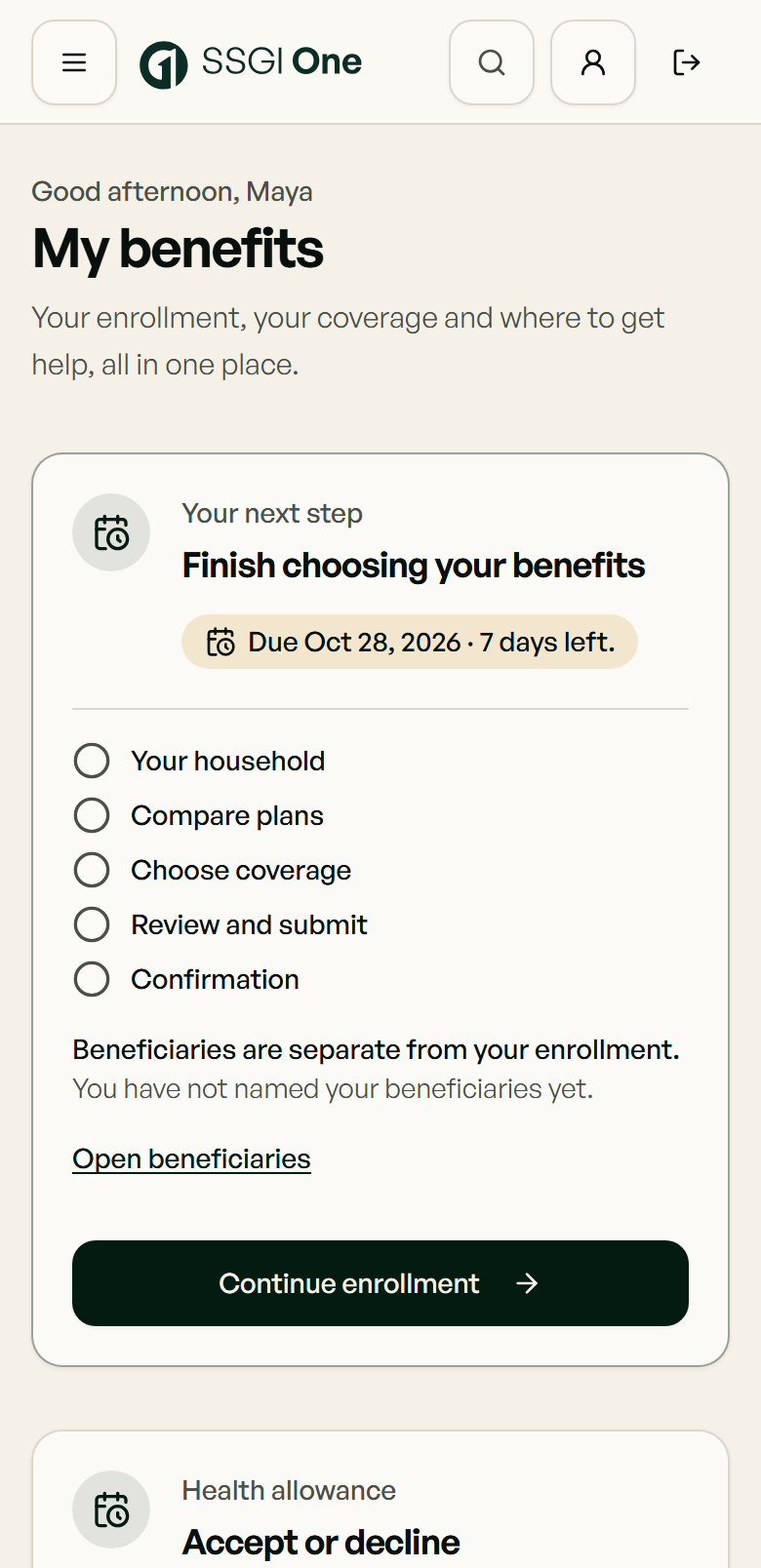
Keep your SSGI service request in the app
All customer-service requests go through SSGI One. Sign in to contact our team, share requested documents and follow status and replies.
SSGI One opens at SSGIone.com in a new tab. Use the sign-in options in your invitation. Employer-plan members can ask their benefits administrator; individual policyholders should contact SSGI for invitation or access help.
This page helps you find the right next step for a benefits question. It is not legal, medical, tax, eligibility, coverage, or claims advice, and it does not determine your coverage or benefits. For guidance tailored to your circumstances, talk to an SSGI advisor, your carrier, or your employer — whichever matches your question. This page collects no personal or health information.
Your next step with SSGI
Need help signing in?
Open the benefits app first. If it is unavailable or you cannot sign in, use the access-help details on this page.
Go to access help